
Nur
Free
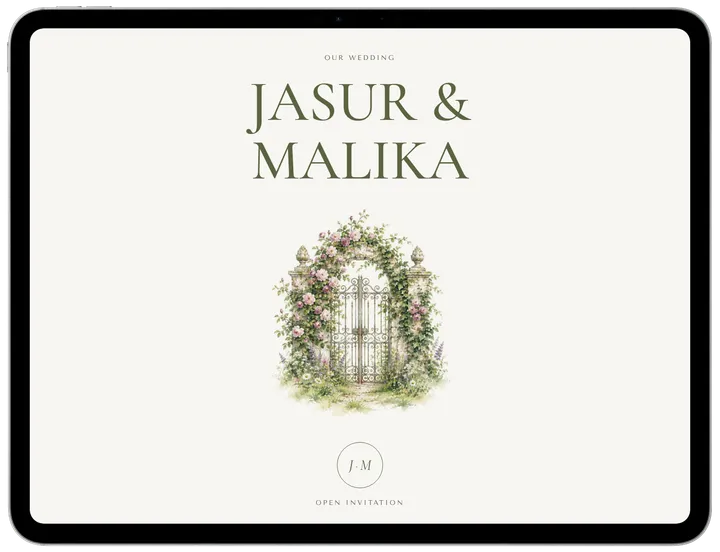
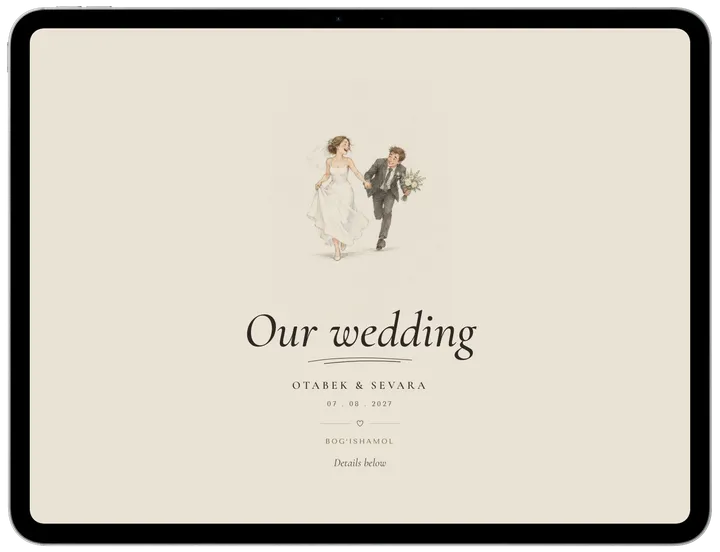
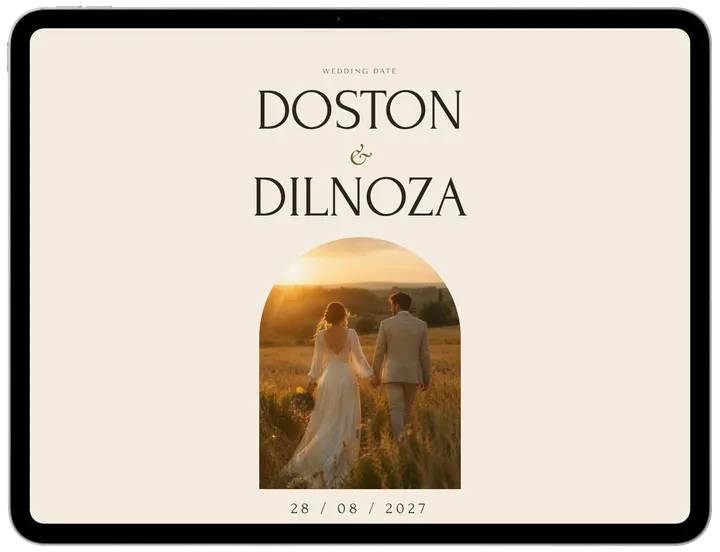
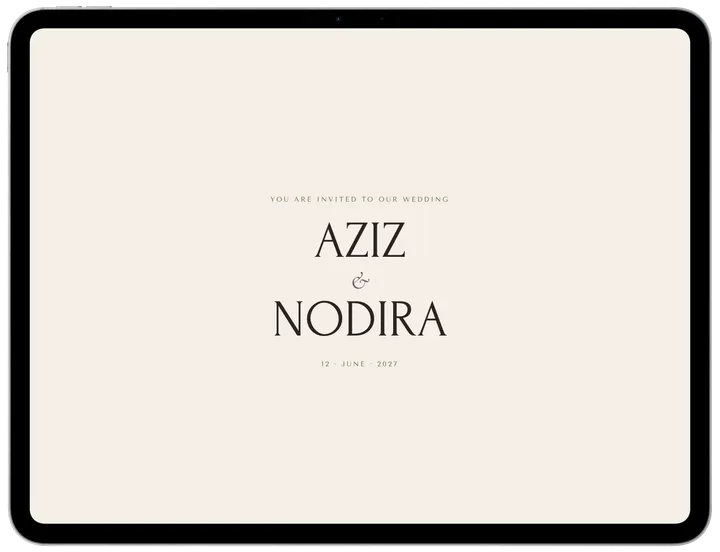
Paper tones, large capitals and a quiet page.
Create an online wedding invitation from a ready design and send it to your guests with one link.
Open the examples and pick a design that feels like you.
Paper tones, large capitals and a quiet page.
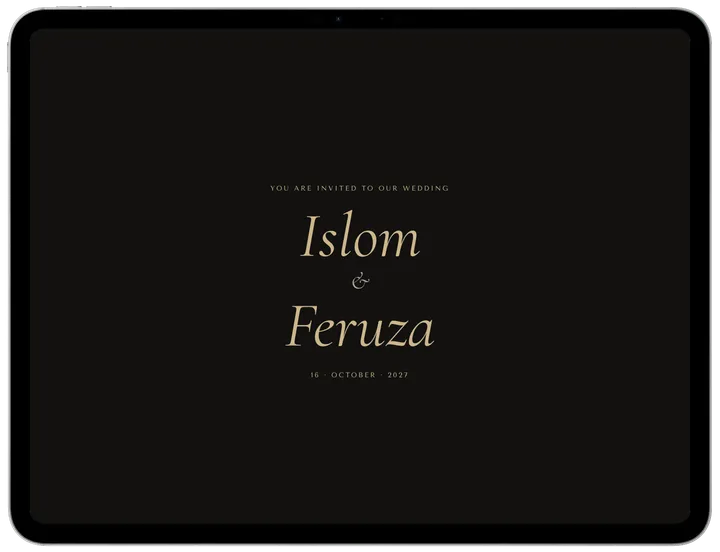
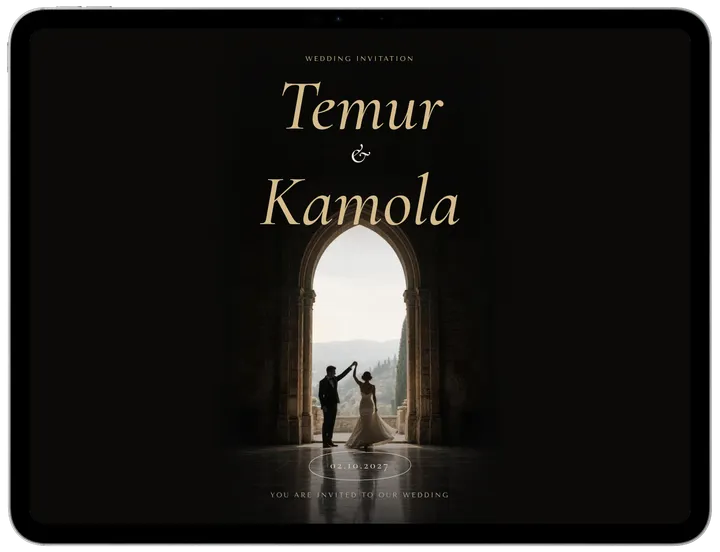
Night black with gold italic names.
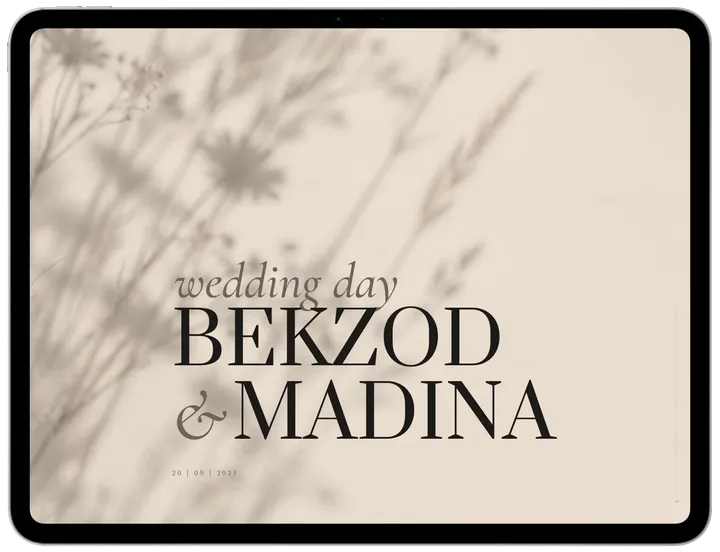
A calm design where your names stand out among flower shadows.
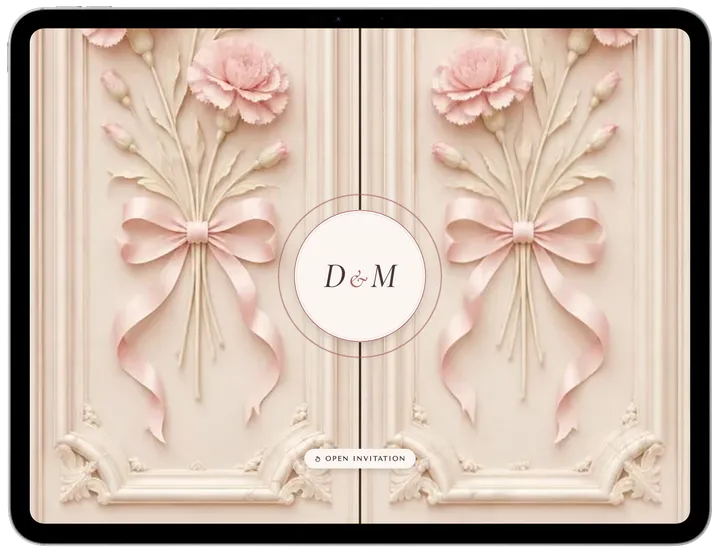
Carved doors with pink carnations swing open onto a room with a music box.
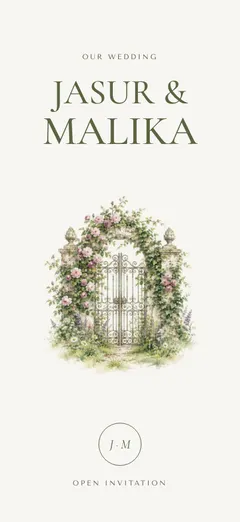
A gate that opens and leads your guests into the garden.
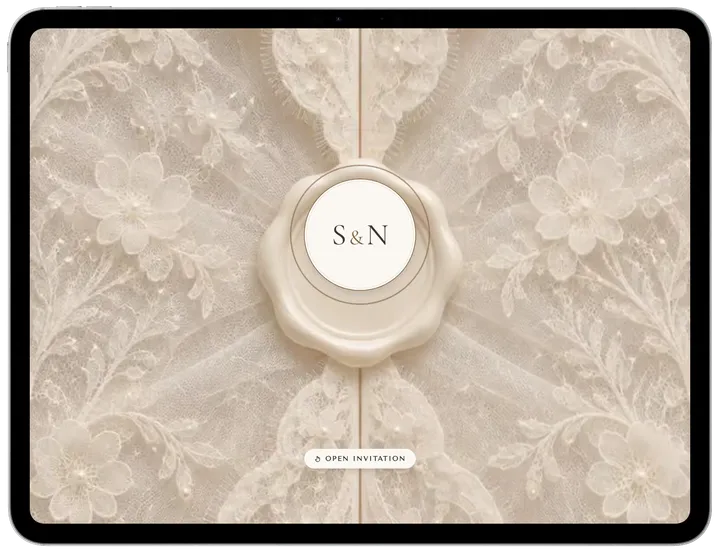
A lace and pearl envelope with a wax seal opens its flaps onto paper framed in lace.
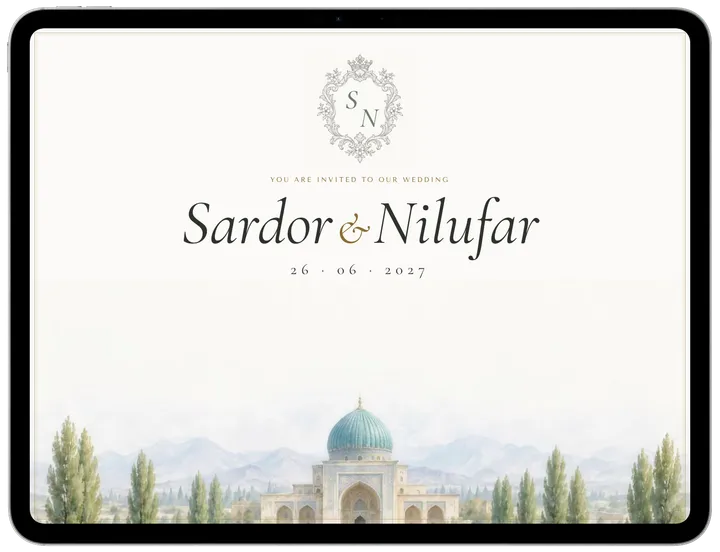
A family crest, gold frame and an Uzbek chorbog garden.
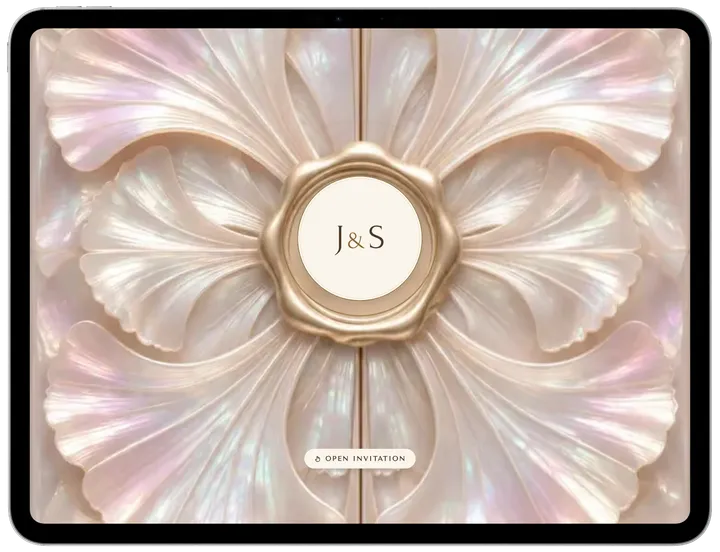
A mother-of-pearl envelope of ginkgo leaves with a gold seal opens onto a cream arch.
Hand-drawn touches and photo memories.
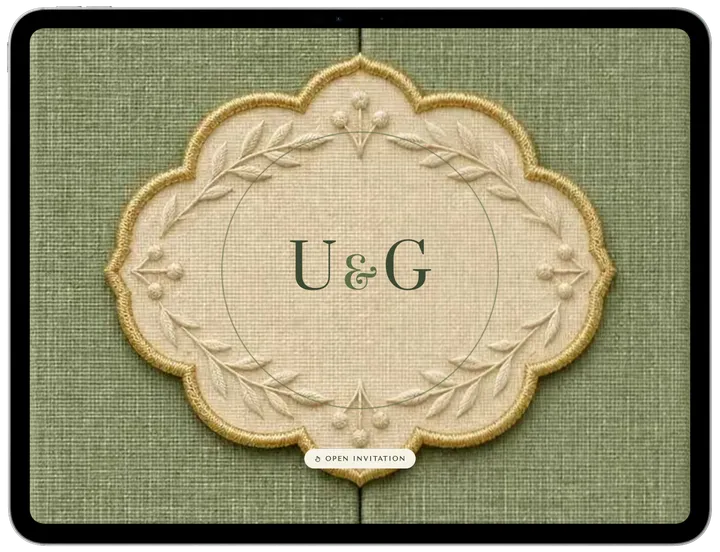
A green linen cover unfolds onto an embroidered villa and garden.
A grand design with a tall arch in deep tones.
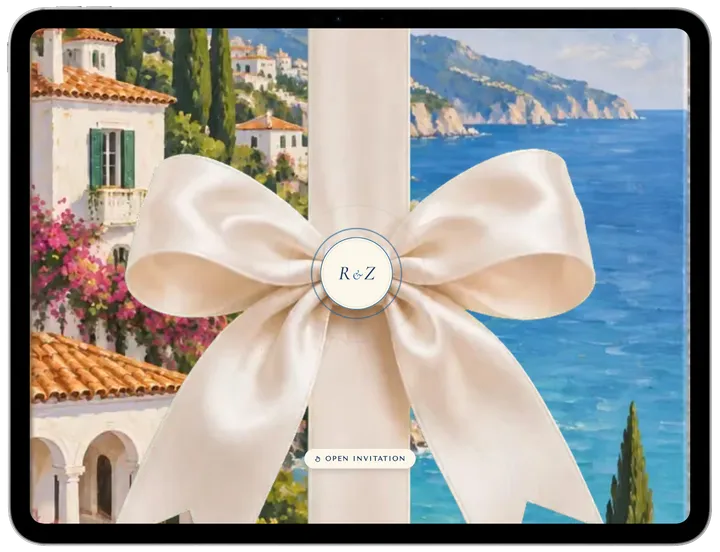
A Mediterranean scene tied with a ribbon: the ribbon comes off first, then the card opens.
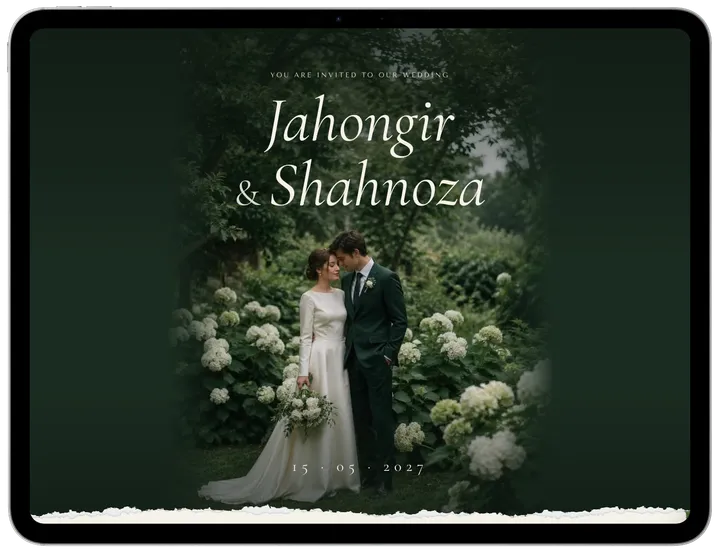
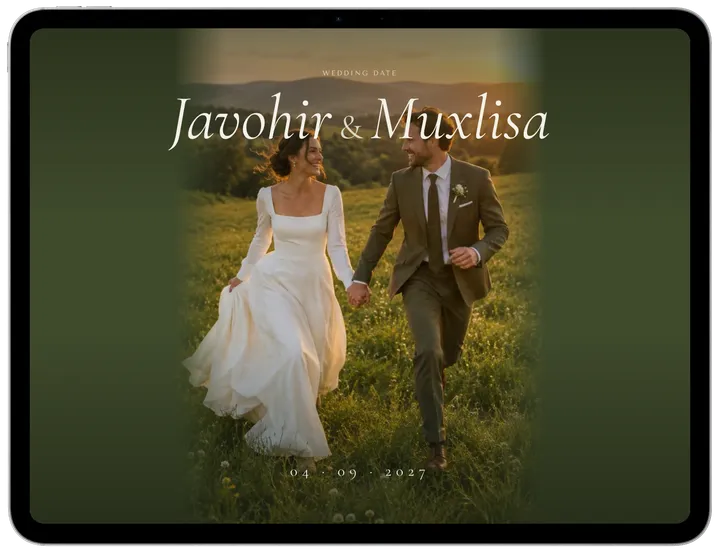
Deep green, white hydrangeas and paper edges.
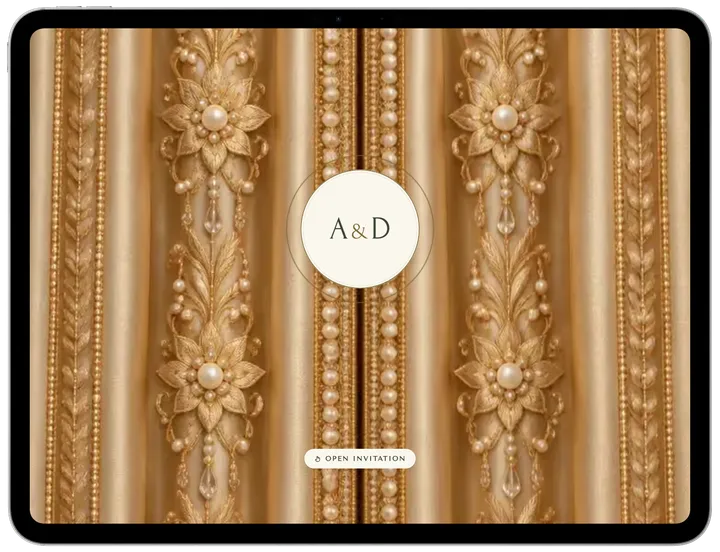
A champagne beaded curtain slides aside onto a table set in a garden.
A warm invitation in golden tones with arches.
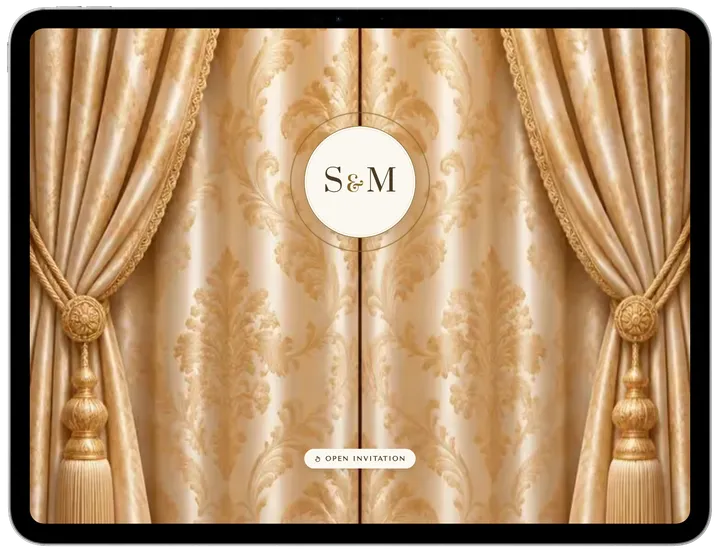
A damask curtain under a crystal chandelier parts onto a ballroom.
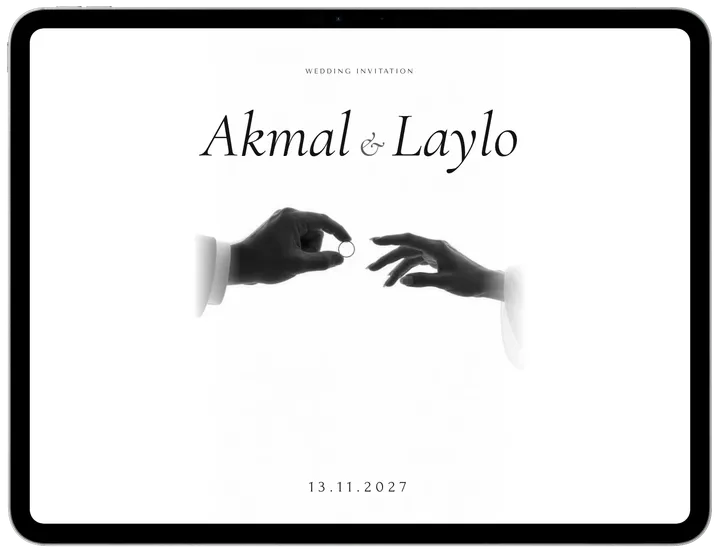
A refined black and white design with nothing extra.
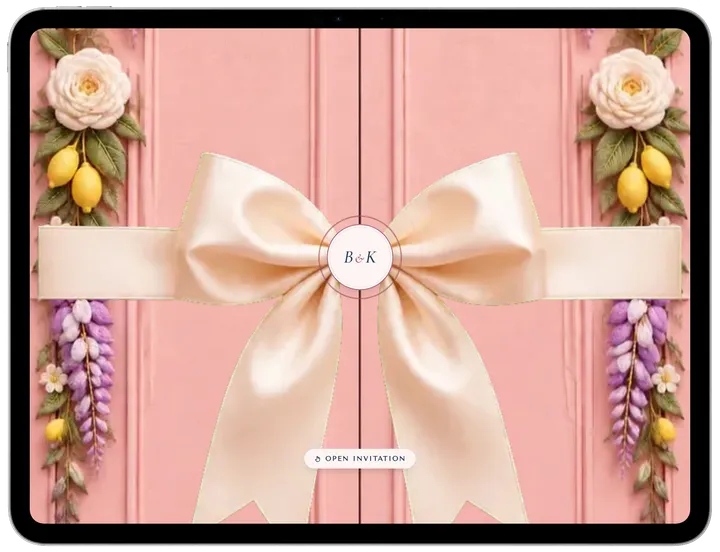
Pink doors tied with a satin bow: the bow comes off first, then the doors open onto a lake.
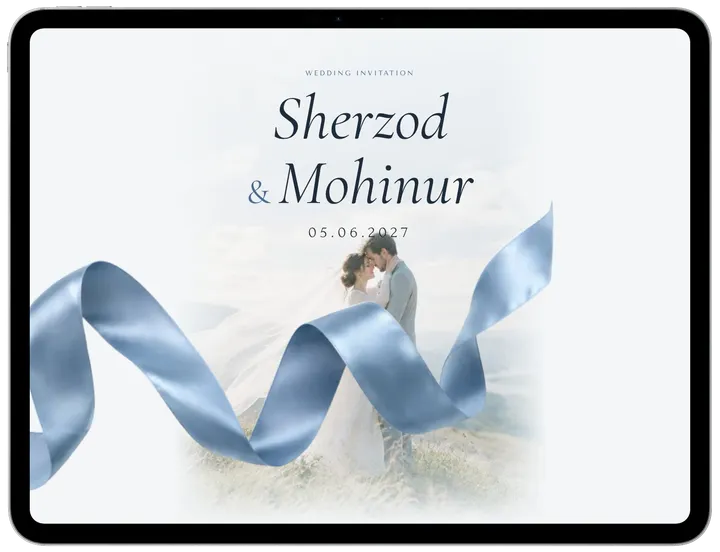
Pale blue sky, a light silk ribbon and airy photos.
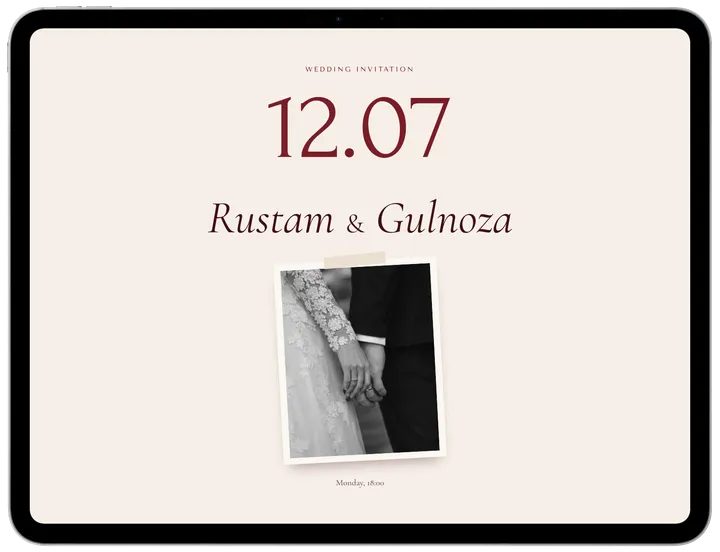
Pomegranate red, a big date and taped black and white prints.
Olive silk, chandeliers and evening light.
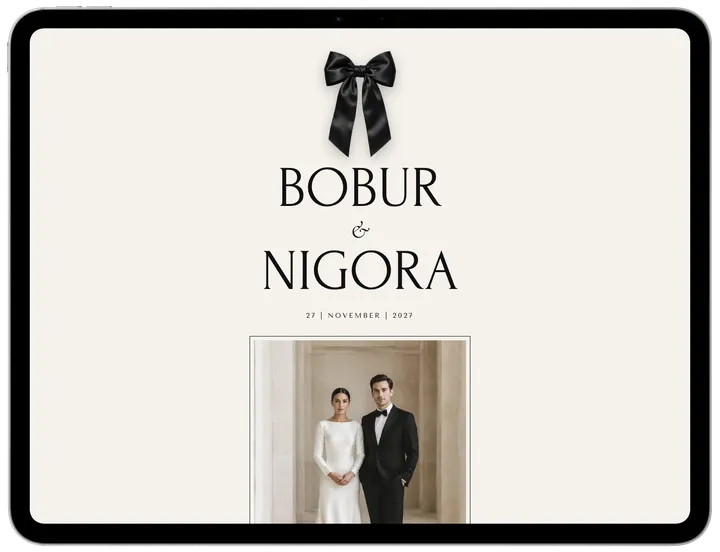
A black satin bow and crisp, elegant lettering.

Your invitation in four steps.
Open the examples and pick the one for your wedding.
Names, date, start time, venue and photos.
See the page exactly as your guests will.
Share the finished invitation with your loved ones.

It arrives faster than paper and is easier for guests.
Nothing to print or hand out. The invitation reaches each guest's phone at once.
The address opens on a map, so guests find the venue on their own.
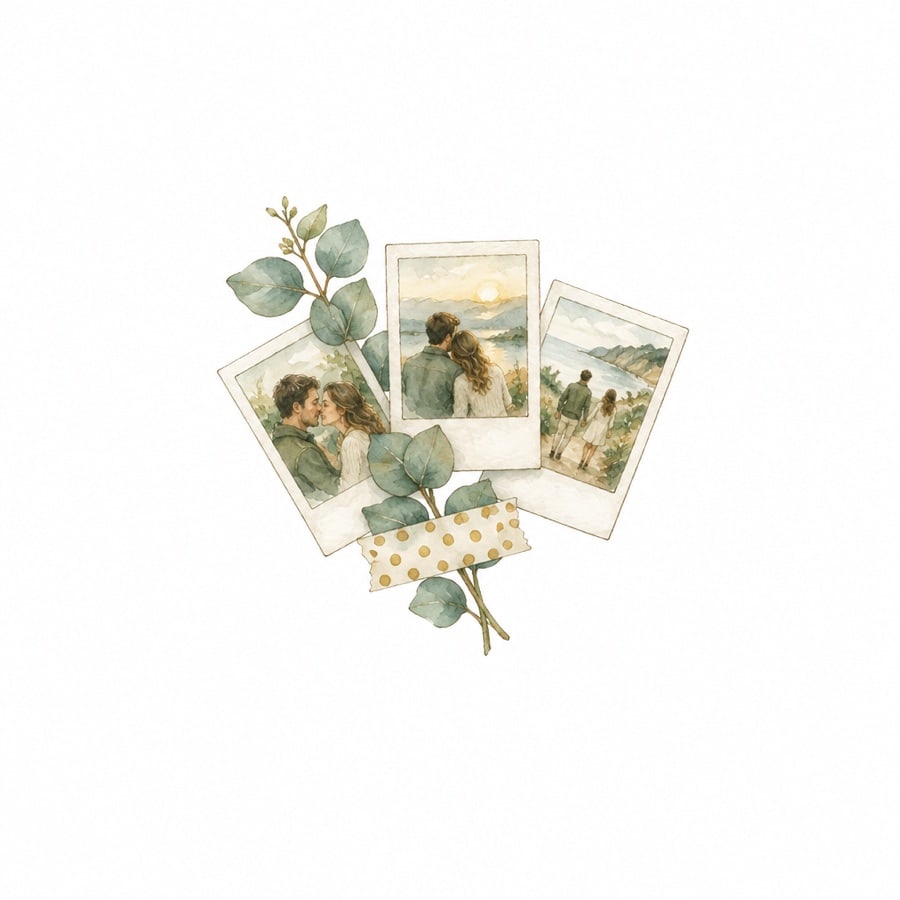
A couple photo and a gallery make the invitation unlike anyone else's.
The layout is ready: you enter your details and the template places the rest.
Pick a ready text or speak to your guests your own way.
Date, schedule, address, photos and music, gathered in one invitation.
Answers to common questions.
Copy the link to your finished invitation and send it to your guests. One link works for any number of guests.
Once you have checked the invitation, choose one of the available methods on the payment page.
Yes. Before paying you can change everything. After paying you can still edit the names, date, venue, texts and photos until the wedding day; only the design stays. After the wedding the link stays open for another 30 days.
Yes, a couple photo and up to 8 gallery photos.
You can choose Uzbek, Russian or English.